
QR code examples: sample QR codes to scan
29 real, scannable QR code examples — sample QR codes for every common type, design and industry. Point your phone camera at any example QR code, see why it works, and download it. Plus a test QR code to check your scanner, and random QR codes.
Each example uses made-up details, so it's safe to scan. Tap "Try it" to make your own version, or download the SVG for a mockup. Every card also says why that code scans well.
QR code examples by type
What each kind of QR code does when you scan it — a link, a Wi-Fi login, a contact, a payment page and more.
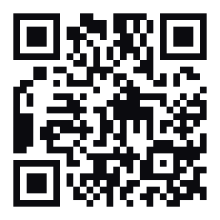
Website (URL) QR code
Opens a web page — the most common QR code. This one opens capyqr.com.
A short URL keeps the pattern coarse, and dark dots on white give the strongest contrast a scanner can get.
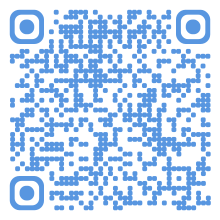
Wi-Fi QR code
Offers to join a Wi-Fi network without typing the password. Sample network: “Capy Café Guest”.
Wi-Fi codes carry the password too, so the pattern is dense; dark dots on a light background keep it readable at card size.
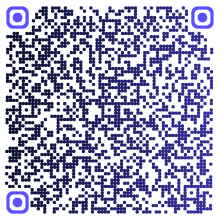
Contact (vCard) QR code
Offers to save a contact: name, phone, email and website. Sample contact: Alex Example.
A vCard holds a lot of text, so the code is dense: print it larger than a link code and keep strong dark-on-light contrast.
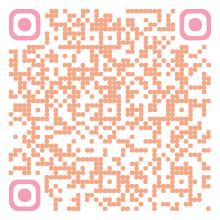
Email QR code
Opens a new email with the address and subject filled in.
Only the address and subject are encoded, so the code stays small enough to scan quickly even with a soft tint.
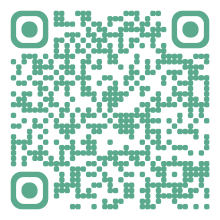
SMS QR code
Opens a text message to a number with the message ready to send.
Number plus a short message keeps the payload small, so the dots stay big and easy to read from arm's length.
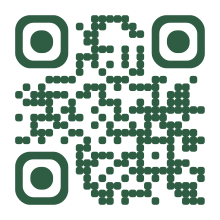
Phone call QR code
Opens the phone dialer with the number filled in — the caller still taps Call.
A phone number is one of the smallest payloads there is, so the pattern stays simple and scans from far away.
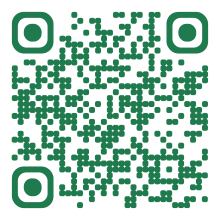
WhatsApp QR code
Opens a WhatsApp chat with a number and a pre-written message.
Dark green on white is still high contrast, and rounded dots scan fine because the three eyes stay clear.
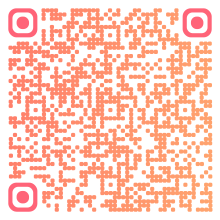
Location QR code
Opens a place in the phone's maps app. This one points to the Eiffel Tower.
A place name is a short payload, and the warm sunset colors are all dark enough against the light background.
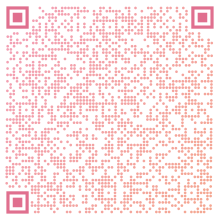
Calendar event QR code
Offers to add an event to the phone's calendar, with time and place.
Calendar events pack in a title, place and times, so the dense pattern needs a clean white margin and a decent print size.
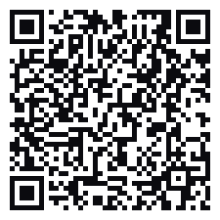
Plain text QR code
Shows a short message on screen — it doesn't open any website.
Square dots and square eyes are the classic look every scanner handles best, and short text keeps the grid small.
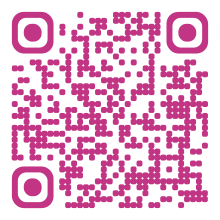
Social profile (Instagram) QR code
Opens an Instagram profile — a “follow us” code for shop windows and receipts. This one points to instagram.com/example.
A profile link is short, and a deep pink on white keeps contrast high so a shop-window code scans from a step away.

Payment (PayPal) QR code
Opens a PayPal.me page so someone can pay you in a couple of taps. This one points to paypal.me/example.
Payment codes should look trustworthy: high contrast, no decoration, and a short PayPal.me link so scanning is quick.
QR code examples by design
The same pattern in different styles. Dark-on-light designs are safe; the white-on-dark example is here as the "test before you print" case.
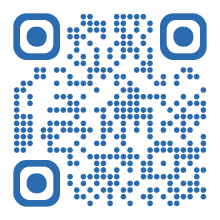
Round QR code
Circular dots and rounded eyes — same pattern, softer look. Opens capyqr.com.
Round dots and rounded eyes still scan fine because the three corner eyes stay clearly visible and contrast stays high.
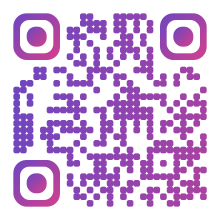
Colored gradient QR code
A purple-to-pink gradient that still scans, because both colors are dark on white.
Both gradient colors are dark, so every dot keeps strong contrast against white along the whole blend.
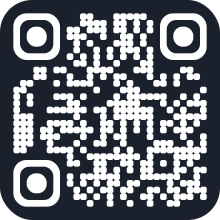
White-on-dark (inverted) QR code
Light dots on a dark background. Many phones read these — test before printing.
Honest warning: light-on-dark flips the usual contrast, and some older scanners and apps can't read it, so this is the one style here to test before printing.
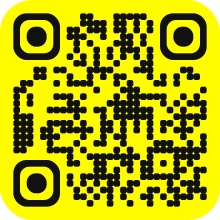
Colored background QR code
Black dots on a bright yellow background — strong contrast, so it scans as easily as black on white.
Near-black dots on bright yellow have a very high contrast ratio, so a colored background doesn't cost any scannability.
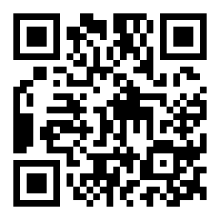
Classic black square QR code
Square dots and square eyes in plain black on white — the look of most QR codes on packaging and signs. Opens capyqr.com.
Maximum contrast and the most familiar shape: the safest style, and the one to pick when a code must work on every scanner.
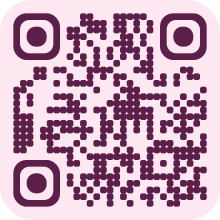
Pastel background QR code
Deep plum dots on a soft pink background — a gentle look for weddings, cafés and beauty brands. Opens capyqr.com.
The background is pastel but the dots are dark, so contrast stays high: soften the background, never the dots.
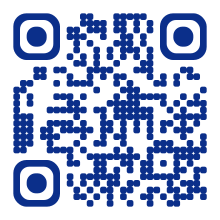
High-contrast brand color QR code
Navy dots on white in a single brand color — branded, yet as readable as black. Opens capyqr.com.
A dark brand color gives plenty of contrast; if your brand color is light, use a darker shade of it for the dots.
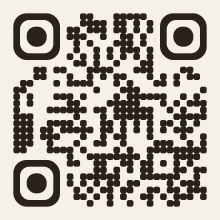
Light paper-look QR code
Dark ink on a warm off-white background with square corners — it blends into kraft paper, menus and light-colored print. Opens capyqr.com.
A light background keeps the dots dark-on-light, which every scanner expects, while looking part of the page instead of a white sticker.
QR code examples by industry
Sample QR codes for real places they appear: menus, signs, tags, tickets, packaging and cards. Each links a guide to doing it well.
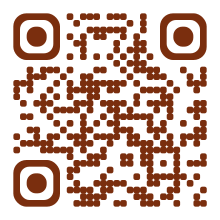
Restaurant menu QR code
Opens the day's menu on the phone — printed on table tents, coasters and window stickers. Sample link: example.com/menu.
Dark dots on a clear card read fine in dim restaurant lighting, and a short link keeps the code simple enough to scan across a table.

Real estate sign QR code
Opens a property listing or virtual tour from a yard sign. Sample link: example.com/listing/12.
Yard-sign codes get scanned from a car or the pavement, so a short link (a coarse pattern) and a big print size matter more than styling.
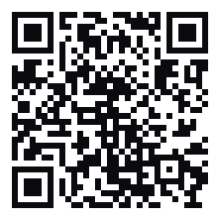
Retail price tag QR code
Opens a product page with specs, sizes and reviews from the shelf label. Sample link: example.com/p/1001.
Shelf labels are small, so the link is kept very short: the fewer characters, the bigger each dot can be at a tiny print size.
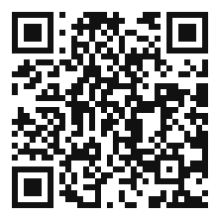
Event ticket QR code
Opens a ticket page that staff can check at the door. Sample link: example.com/ticket/EX-0100.
Tickets are scanned quickly under poor light by staff phones, so black on white with square dots is the most dependable choice.
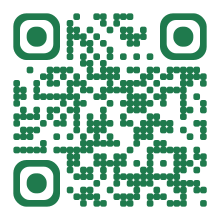
Product packaging QR code
Opens setup instructions, reorder and warranty pages from the box. Sample link: example.com/help.
On curved or glossy boxes, high contrast and a generous clear margin around the code do the most to keep it scannable.
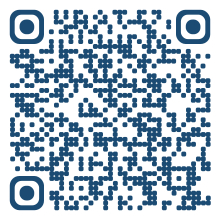
Hotel Wi-Fi card QR code
Joins the guest Wi-Fi without typing the password — for the key-card sleeve or the bedside card. Sample network: “Example Hotel Guest”.
Guests scan it from a bedside table, so dark dots on a plain light card at a generous size avoid retry after retry.
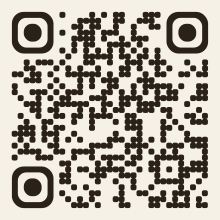
Museum exhibit label QR code
Opens the audio guide or a longer description for an exhibit. Sample link: example.com/exhibit/7.
Labels are read at arm's length in dim galleries, so dark dots on a light label with a quiet margin stay readable without a flash.
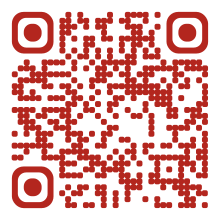
Gym class schedule QR code
Opens the live class timetable and booking page, so the poster never goes out of date. Sample link: example.com/classes.
A bold, saturated color on white stays high-contrast on a busy gym wall, and pointing to an editable page means no reprint when classes change.
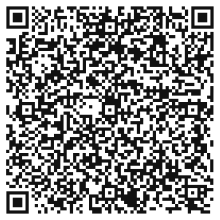
Business card QR code
Offers to save a contact straight from a printed card. Sample contact: Sam Sample.
A vCard code is dense, so on a small card it needs black-on-white contrast and the biggest size the layout allows.
Need a plain sample QR code PNG? Download the sample PNG or the SVG — see PNG vs SVG vs PDF for which to use.
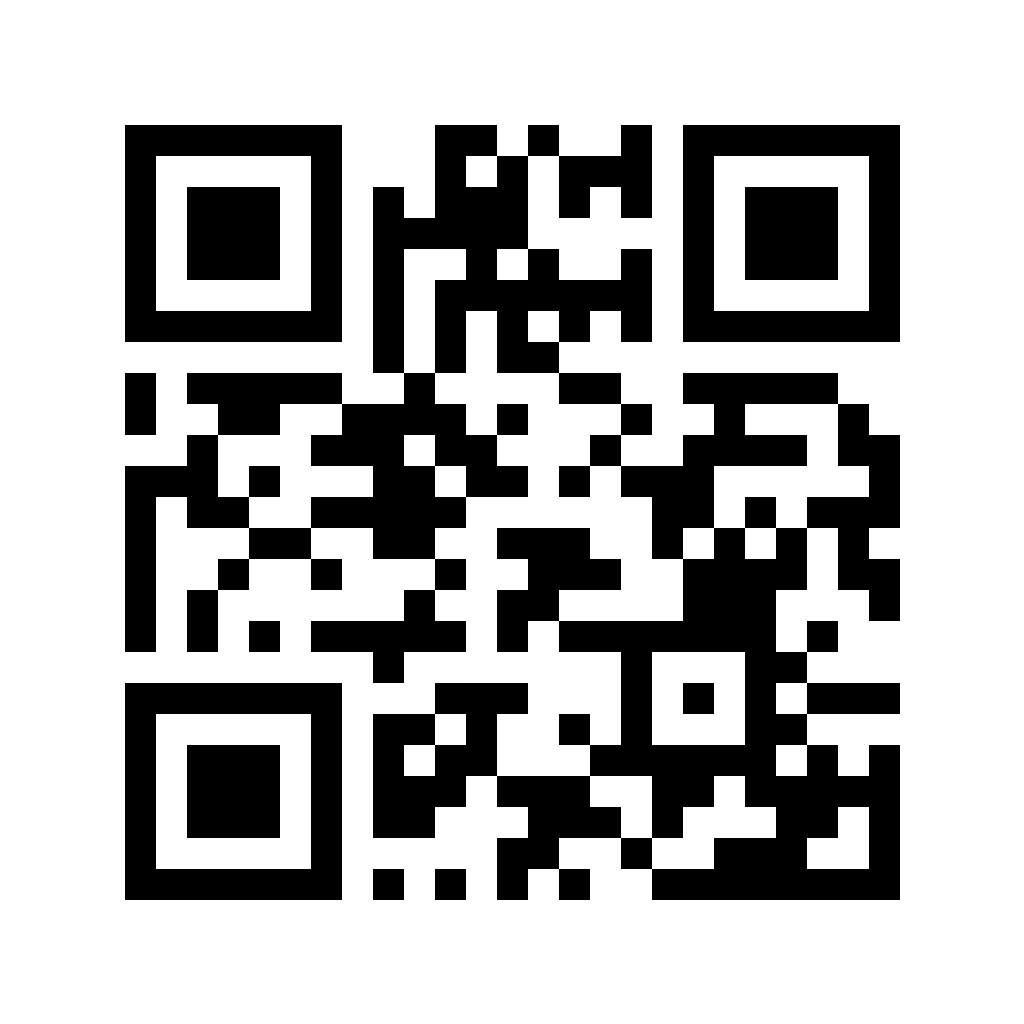

Parts of a QR code
Every QR code above, however it's styled, has the same building blocks — that's why a round, colored or gradient code still scans:
- Finder patterns (eyes): the three big squares in the corners. They tell the scanner where the code is and which way up it is.
- Alignment pattern: a smaller square near the bottom-right corner on all but the smallest codes, which helps read codes that are curved or seen at an angle.
- Timing patterns: rows of alternating dots between the eyes that set the grid size.
- Data modules: everything else — your link or text, plus error-correction data that lets a code scan even when part of it is covered or damaged.
- Quiet zone: the blank margin around the code. Without it, scanners struggle to find the edges.
QR code examples in real life
Where you'll see each type, with a guide for making your own:
- Restaurant menus: a link code on the table that opens the menu — restaurant menu QR codes.
- Business cards: a contact code that saves your details, or a link to your profile — free digital business card.
- Airbnbs, cafés and offices: a Wi-Fi code by the door — Wi-Fi QR code generator.
- Shop counters and receipts: a code that opens your review form — Google review QR code.
- Product packaging: instructions, reorders and warranty sign-up — QR codes on packaging.
- Events and posters: tickets, RSVPs and calendar invites — QR codes for events.
- Real estate signs: a link to the listing or a virtual tour — QR codes for real estate.
- Social profiles: follow-us codes in shop windows — Instagram QR code.
Codes on anything printed in bulk are usually dynamic: they point to a short redirect, so the link can change after printing and scans can be counted. See the free dynamic QR code generator.
Test QR code: does your scanner work?
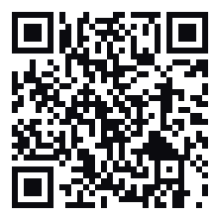
Scan this code with your phone camera. If it opens a page that says your scanner works, you're all set — your camera reads QR codes without any extra app.
Random QR code
Need a random QR code for a test, a template or a game? Each one holds a short random fact as plain text — it never opens a website.
Tap the button to generate one.
QR code to nothing (empty QR code)
A QR code doesn't have to open anything. The plain text example above holds a message instead of a link: scanning it just shows the text. That's useful for placeholders, puzzles, scavenger hunts, and test prints — make your own with the text QR code generator.
Make your own
Every example here was made with Capy QR's free QR code generator — no signup, no watermark. For print sizes and file formats, see QR code size for print and PNG vs SVG vs PDF.
Frequently asked questions
- What is an example of a QR code?
- The most common example is a website QR code on a restaurant table that opens the menu. Others include a Wi-Fi code that joins a network, a contact code on a business card, and a review code on a shop counter. Every example on this page is real and scannable.
- What does a QR code look like?
- A square grid of small dark and light modules with three larger squares in the corners — the “eyes” scanners use to find and straighten the code. The modules can be dots or rounded shapes and almost any dark color, as the examples on this page show.
- How do I test a QR code?
- Point your phone camera at the test QR code on this page: if it opens a page saying your scanner works, everything's fine. To test your own code, print it at its real size and scan it with two different phones from the distance people will actually stand.
- Can a QR code lead to nothing?
- Yes. A QR code can hold plain text instead of a link — scanning it just shows the message on screen. The plain text example and the random QR codes on this page work that way.
- Are these sample QR codes safe to scan?
- Yes. They use made-up details (555 phone numbers, example.com addresses), and the links open capyqr.com or a well-known map location. Scanning a QR code only opens what it contains — your phone shows a preview before anything happens.
- Where can I download a sample QR code PNG?
- Under the example grids on this page there is a plain sample QR code PNG and an SVG, both free with no signup. Use the PNG for slides and documents, and the SVG for print because it stays sharp at any size. Each example above also has its own SVG download.
- Can I use these QR code examples in my designs?
- Yes — download any example as an SVG for mockups and templates. For a code that opens your own link, make one with the matching generator; it's free with no signup.